

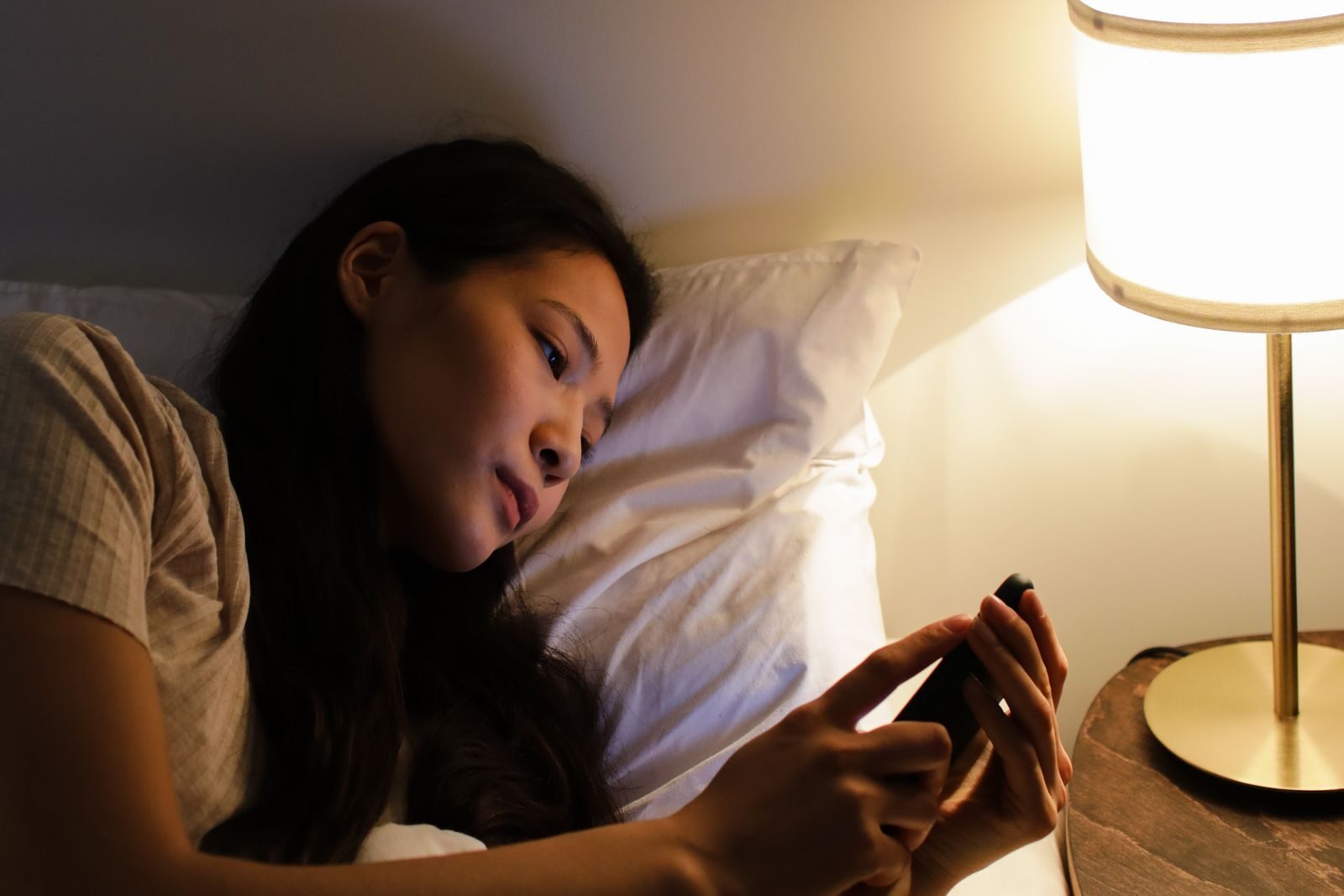
Build a healthier screen-time routine by understanding when and why you use screens, reducing unnecessary distractions, and creating realistic boundaries around work, entertainment, meals, and bedtime. The goal is not to eliminate technology, but to use it more intentionally.
Start by Understanding Your Current Screen Time
Before trying to reduce screen time, spend several normal days observing how you actually use your devices.
Most modern phones provide built-in screen-time or digital-wellbeing information that shows which apps you use and how often you pick up the device.
Look for patterns rather than focusing only on the total number of hours.
Ask yourself:
- How much screen time is required for work or study?
- Which apps do I open automatically?
- When do I tend to scroll without a clear purpose?
- Which notifications interrupt me most often?
- Do I use my phone differently in the morning, during work, and before bed?
Work, navigation, communication, reading, and entertainment all involve screens, but they do not necessarily affect your day in the same way.
Separate Necessary Screen Time From Automatic Use
Trying to reduce all screen time equally is rarely practical.
A person who works on a computer for eight hours cannot simply remove most of that screen exposure.
Instead, separate intentional use from automatic use.
Intentional screen time might include:
- Working
- Studying
- Video calls
- Reading an article
- Following a recipe
- Watching a movie you deliberately chose
Automatic use is more likely to involve repeatedly checking notifications, switching between social apps, refreshing feeds, or opening the phone without remembering why.
That second category is usually the easiest place to make changes.
Create a Few Screen-Free Anchors
You do not need an entire screen-free day to create healthier boundaries.
Start with a few predictable moments.
Examples include:
- During meals
- For the first few minutes after waking
- While having an important conversation
- During a short walk
- While getting ready for bed
Choose moments that fit your actual routine.
A small rule you can follow consistently is more useful than an ambitious restriction you abandon after two days.
Reduce Unnecessary Notifications
Notifications turn passive devices into active interruptions.
Review which apps are allowed to notify you.
You may want immediate notifications for calls, messages from important contacts, calendar reminders, or security alerts.
Other notifications may not need your attention immediately.
Consider disabling:
- Promotional notifications
- Shopping alerts
- Game notifications
- Social-media recommendations
- News alerts you rarely need immediately
Reducing unnecessary notifications allows you to decide when to check an app instead of allowing the app to repeatedly decide for you.
Make Distracting Apps Slightly Harder to Reach
Convenience strongly influences habits.
If a social-media or entertainment app sits directly on your main home screen, opening it can become almost automatic.
You can create a small amount of friction by:
- Moving distracting apps to another screen
- Placing them inside a folder
- Removing unnecessary home-screen widgets
- Logging out of services you rarely need
- Uninstalling apps you no longer use
The goal is not to make the phone inconvenient. It is simply to create a moment in which you can decide whether you actually want to open the app.
Keep the Phone Away During Focused Work
If your phone repeatedly interrupts concentrated work, changing its physical location may be more effective than relying on willpower.
Instead of leaving it directly beside the keyboard, place it:
- In a drawer
- On another table
- Inside a bag
- Across the room
Keep important calls or alerts available when necessary.
The idea is simply to prevent every small pause in work from turning into several minutes of unrelated scrolling.
Use Focus and Do Not Disturb Features
Most phones and computers include tools that can temporarily limit interruptions.
Depending on the device, these may be called:
- Focus Mode
- Do Not Disturb
- App Limits
- Screen Time
- Digital Wellbeing
You can use them during work, study, meetings, meals, or another period when constant notifications are unnecessary.
Start with a short period rather than immediately creating strict restrictions for the entire day.
Take Breaks From Continuous Computer Work
Screen habits are not only about phones.
Long periods at a computer can also mean remaining in the same posture and focusing at the same distance for extended periods.
During longer work sessions, occasionally stand up, change position, walk around, or look away from the screen.
A break does not need to become another productivity system.
Even getting water, walking to another room, or briefly looking out a window creates a change from continuous computer use.
Adjust the Screen Instead of Simply Enduring Discomfort
If your eyes, neck, or shoulders regularly feel uncomfortable during computer use, check the setup itself.
Consider:
- Screen height
- Viewing distance
- Text size
- Brightness
- Room lighting
- Reflections and glare
- Chair and desk position
Increasing text size or slightly repositioning a monitor may be more useful than simply trying to spend less time on a device that you need for work.
Be Intentional About Evening Screen Use
Evening screen use is often a combination of useful activities and automatic habits.
You may genuinely want to watch a film, talk to someone, read, or listen to something on your phone.
The problem is more likely to appear when one planned activity turns into an hour of unrelated scrolling.
As bedtime approaches, consider reducing highly stimulating activities such as:
- Work email
- Arguments on social media
- Endless short-form videos
- Constant news updates
- Activities that make it difficult to stop
You do not necessarily need a strict rule that bans every screen before bed.
A more realistic goal is to make the final part of the evening calmer and more deliberate.
Keep the Phone Out of Bed When Possible
Using the phone in bed makes it very easy for a quick check to become a much longer session.
If this happens frequently, consider charging the phone somewhere slightly farther away.
It does not necessarily need to leave the bedroom.
Even placing it on a desk or shelf instead of directly beside the pillow can create a useful boundary.
If you use your phone as an alarm, make sure you can still hear it from the chosen location.
Replace Screen Time With Something Specific
Removing a habit without replacing it often leaves an empty period that quickly fills with the same habit again.
Instead of deciding only:
“I will use my phone less.”
decide what you will do instead.
Possible replacements include:
- Reading a few pages of a book
- Taking a short walk
- Stretching
- Preparing food
- Writing tomorrow’s task list
- Listening to music
- Talking with someone
- Doing a small household task
Choose activities you genuinely enjoy rather than replacements that feel like punishment.
Avoid Turning Screen-Time Tracking Into Another Obsession
Screen-time statistics can be useful for identifying patterns, but they do not need to become a score that determines whether you had a good or bad day.
A higher number may simply mean you worked longer, used navigation during a trip, had a long video call, or watched a film.
Look at trends and habits rather than judging every daily total.
The more useful questions are:
- Did screen use interfere with something important?
- Was I repeatedly distracted?
- Did I spend much longer on an app than intended?
- Did I choose what I was doing or simply continue automatically?
Create Different Rules for Different Devices
Not every screen needs the same boundaries.
For example, you might use:
- A laptop primarily for work
- A television for planned entertainment
- A tablet for reading
- A phone for communication and short-form content
If most of your unwanted screen time comes from one device or one application, focus there first instead of creating restrictions for everything.
Review Your Routine Once a Week
After making a few changes, review whether they are actually helping.
You might discover that:
- Notification changes made a big difference.
- An app limit is too restrictive.
- Keeping the phone away during work improves concentration.
- Your evening rule is unrealistic.
- One particular app accounts for most unwanted use.
Adjust the routine instead of abandoning it completely.
A sustainable system should work with your normal life.
A Simple Screen-Time Routine
A realistic day might look like this:
- Morning: avoid immediately opening distracting apps.
- Work or study: keep unnecessary notifications off and the phone away during focused periods.
- Meals: create at least one regular screen-free meal when practical.
- Afternoon: take short movement and visual breaks during long computer sessions.
- Evening: use entertainment intentionally rather than moving automatically between apps.
- Before bed: reduce stimulating content and consider placing the phone away from the bed.
You do not need to follow this exact schedule. Use it as a framework and adapt it to your work, family life, and responsibilities.
Quick Screen-Time Checklist
- Check how you currently use different apps and devices.
- Separate necessary screen time from automatic scrolling.
- Create a few reliable screen-free moments.
- Turn off notifications you do not need immediately.
- Move highly distracting apps away from the main home screen.
- Keep the phone out of reach during focused work when practical.
- Take occasional breaks during long computer sessions.
- Adjust screen brightness, text size, and workstation comfort.
- Make evening screen use more deliberate.
- Replace unwanted scrolling with a specific alternative activity.
- Review your routine and adjust what does not work.
When Screen Use Is Affecting Daily Life
A screen-time routine is intended to make everyday technology use easier to manage.
If device use is consistently interfering with sleep, work, school, relationships, or other important parts of daily life and you are finding it difficult to change on your own, additional support may be useful.
The goal is not to achieve a perfect screen-time number, but to keep technology from regularly replacing activities that matter to you.
Conclusion
A healthier screen-time routine does not require eliminating phones, computers, or entertainment.
Start by understanding your current habits, reduce unnecessary notifications, create a few screen-free anchors, and add small barriers to the apps that distract you most.
Then replace some automatic screen use with activities you genuinely want to do.
The best routine is one that helps technology remain useful without requiring you to constantly fight against it.
Find more practical everyday guides in Lifestyle Guides.