
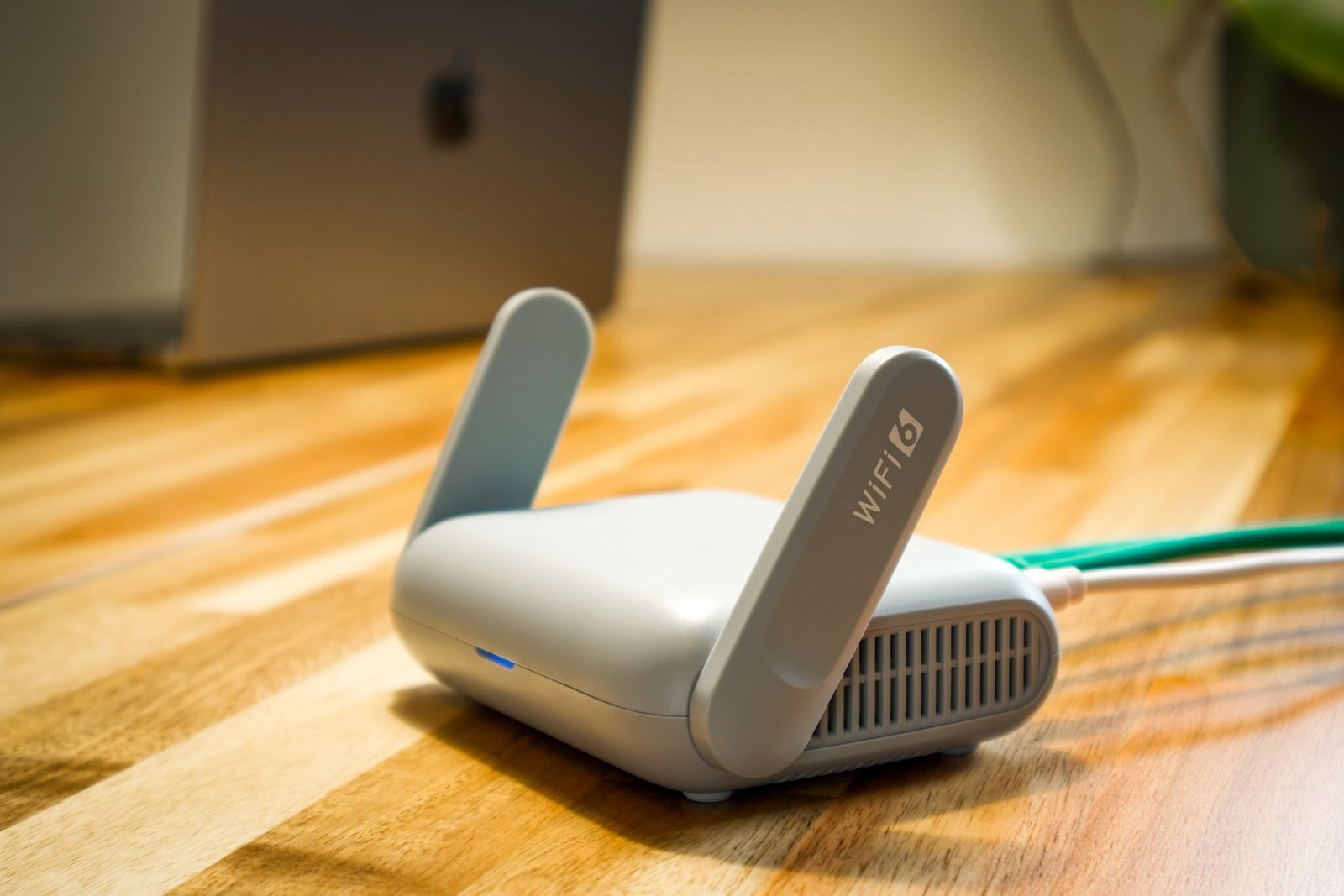
Improve home Wi-Fi security by protecting your router, separating guests and smart devices, and regularly reviewing connected equipment. A few basic settings can significantly reduce unnecessary access to your home network.
Why Home Wi-Fi Security Matters
Your home Wi-Fi network may connect far more than laptops and phones. Smart TVs, speakers, cameras, thermostats, printers, game consoles, and other connected devices can all share the same router.
That convenience also means that one poorly protected device or weak router setting can potentially affect the rest of the network.
You do not need advanced networking knowledge to improve security. Start with the router itself, use modern wireless protection, and separate devices when your router provides that option.
Secure the Router Administrator Account
The router administration page controls important settings such as Wi-Fi passwords, connected devices, guest networks, and firmware updates.
Many routers arrive with default administrator credentials or encourage users to create an account during setup.
If you have never changed the administrator password, check it first.
Use a strong, unique password that you do not reuse for email, banking, social media, or other important accounts.
The router administrator password and your Wi-Fi password should ideally be different.
Install Router Firmware Updates
Router manufacturers periodically release firmware updates that may fix security problems, improve stability, or add new features.
Open your router’s administration interface or official mobile app and look for a section such as:
- Firmware Update
- Router Update
- System Update
- Administration
Some newer routers install updates automatically. If automatic updates are available from the manufacturer, enabling them can reduce the chance of running outdated firmware for long periods.
Avoid downloading router firmware from unofficial websites.
Use WPA3 or WPA2 Security
Check the wireless security mode used by your router.
If your router and devices support WPA3, it is generally the preferred modern option. WPA2 remains widely supported and is still appropriate for many home networks.
Avoid older security standards such as WEP.
Some routers offer a mixed WPA2/WPA3 mode when older devices cannot connect using WPA3 alone.
Create a Strong Wi-Fi Password
Your wireless network password should be difficult to guess but practical enough for household use.
Avoid passwords based on:
- Your address
- Your surname
- Your phone number
- Simple sequences such as 12345678
- The router model or network name
A longer password made from several unrelated words, numbers, or other characters is generally easier to remember while still being difficult to guess.
Do not reuse an important account password as your Wi-Fi password.
Create a Separate Guest Network
A guest network gives visitors internet access without placing their devices directly on the same network as your personal computers, storage devices, and other equipment.
Most modern routers include a guest network option.
When configuring it:
- Create a separate password.
- Use WPA2 or WPA3 security when available.
- Disable access to local network devices if the router provides that option.
- Change the guest password occasionally if many people have received it.
This is especially useful if visitors frequently connect phones, tablets, or laptops to your home Wi-Fi.
Separate Smart-Home Devices When Possible
Smart-home and Internet of Things devices can include cameras, smart plugs, speakers, thermostats, lighting systems, televisions, and appliances.
These devices often need internet access but usually do not need unrestricted access to your personal computer or network storage.
If your router supports separate IoT networks, device isolation, VLANs, or similar features, consider placing smart devices on their own network.
Some households also use the guest network for less trusted smart devices, although available options vary between routers.
Do not change advanced network settings unless you understand what the option does, as some smart devices need local communication to work correctly.
Review Connected Devices
Routers usually provide a list of equipment currently or recently connected to the network.
Check this list occasionally.
You may see:
- Phones
- Laptops
- Smart TVs
- Streaming devices
- Printers
- Smart speakers
- Cameras
- Game consoles
Device names are not always obvious, so an unfamiliar entry does not automatically mean someone has gained unauthorized access.
Compare the device information with equipment in your home before removing it.
When your router allows it, rename recognized devices with simple labels such as “Living Room TV” or “Anna’s Laptop.” This makes unusual connections easier to notice later.
Disable Remote Administration If You Do Not Need It
Remote administration allows the router’s settings to be accessed from outside your home network.
Most households do not need this feature.
If it is enabled and you do not actively use it, consider disabling it through the router settings.
Do not confuse remote administration with a manufacturer’s official cloud-management app. Features vary significantly between router brands, so check the documentation for your particular model before changing unfamiliar settings.
Consider Disabling WPS
Wi-Fi Protected Setup, commonly called WPS, was designed to make it easier to connect devices to a wireless network.
Many modern households no longer need it because devices can be connected normally using the Wi-Fi password or QR-code sharing.
If your router provides WPS and you do not use it, disabling the feature can reduce unnecessary connection options.
Change the Default Network Name
The Wi-Fi network name, also called the SSID, does not need to reveal personal information.
Avoid names containing:
- Your full name
- Your apartment number
- Your exact address
- Other information that identifies your household
You do not need to hide the SSID entirely. Simply choosing a neutral network name is usually more practical.
What to Do If You See an Unknown Device
If a device appears in your router list and you cannot identify it, first check whether it could be a television, speaker, smart appliance, older phone, or other forgotten device.
If you still believe the connection is unauthorized:
- Change the Wi-Fi password.
- Reconnect your trusted devices using the new password.
- Change the router administrator password if necessary.
- Install any available firmware updates.
- Review the device list again.
Avoid immediately assuming that every unfamiliar device name represents an intruder. Manufacturers sometimes display devices using model numbers or technical identifiers rather than familiar names.
Quick Home Wi-Fi Security Checklist
- Change default router administrator credentials.
- Use a unique administrator password.
- Install router firmware updates.
- Use WPA3 or WPA2 wireless security.
- Create a strong Wi-Fi password.
- Create a separate guest network.
- Separate smart devices when your router supports it.
- Review connected devices periodically.
- Disable remote administration if you do not need it.
- Disable unused features such as WPS when appropriate.
- Avoid including personal information in the Wi-Fi network name.
Conclusion
Securing a home Wi-Fi network does not require complicated equipment. Start by protecting the router administrator account, installing updates, using modern Wi-Fi security, and creating a strong wireless password.
A separate guest network and, when supported, an isolated network for smart devices can provide another useful layer of protection.
Finally, check the router’s connected-device list occasionally so you understand which equipment normally belongs on your network.
Find more practical privacy and security guides in Security.